
Download Pretty Good Solitaire – solitaire games, card games, free solitaire, classic solitaire, easy solitaire, fun card games, free card games, solitaire app, free solitaire games, solitaire for fun, solitaire for relaxation, solitaire for kids, solitaire for adults
Overview
Pretty Good Solitaire delivers a comprehensive digital experience centered around one of the most enduring forms of casual entertainment: solitaire card games. With a curated collection of 1,000 distinct solitaire variations, the app caters to both seasoned players and newcomers seeking a relaxing pastime. From timeless classics like Klondike and FreeCell to lesser-known, original games developed exclusively for the platform, the app ensures that users never face a lack of variety.
It is designed to serve individuals looking for mental stimulation, stress relief, or simply a way to pass idle time on their smartphones or tablets. The app is developed by Goodsol Development, a company known for its focus on digital card game experiences. Although specific details about the developer’s broader portfolio were not provided, the consistent release of content and regular updates suggest a dedicated team committed to user satisfaction.
Real-world use cases include daily leisure moments during commutes, evening relaxation, or even educational engagement for younger users learning strategic thinking. In the broader mobile app ecosystem, Pretty Good Solitaire stands out as a robust, self-contained entertainment solution that fills a niche for fans of card-based puzzles and logic games.
Key Features & Functionality
- 1,000 Solitaire Variations: The app offers a vast library of solitaire games, spanning from widely recognized formats to rare, original designs. This breadth ensures that users can explore new challenges regularly, reducing repetition and enhancing long-term engagement.
- Adaptive Difficulty Levels: Games are structured to accommodate players of all skill levels, whether they prefer simple, intuitive gameplay or complex, strategy-intensive rounds. This flexibility makes the app accessible to children, adults, and casual gamers alike.
- Flexible Gameplay Controls: Users can choose between traditional drag-and-drop mechanics or quick right-click actions for card movement. This dual-control system enhances usability, especially on touchscreens where precision and speed are key.
- Unlimited Undo and Redo: Every move can be reversed or restored, allowing players to experiment with different strategies without fear of irreversible mistakes. This feature is particularly valuable for learning new games and refining tactics.
- Regular Content Updates: The app receives periodic updates with new games and improvements, ensuring sustained user interest and a fresh experience over time. The developer also provides dedicated support, reinforcing reliability and user trust.
For example, a user seeking a calming activity might choose a simple patience game with minimal rules, while another looking for a mental workout could dive into a complex Spider variant with multiple decks. The app’s design supports both scenarios seamlessly, making it a versatile tool for entertainment and cognitive engagement.
Interface, UX & Performance
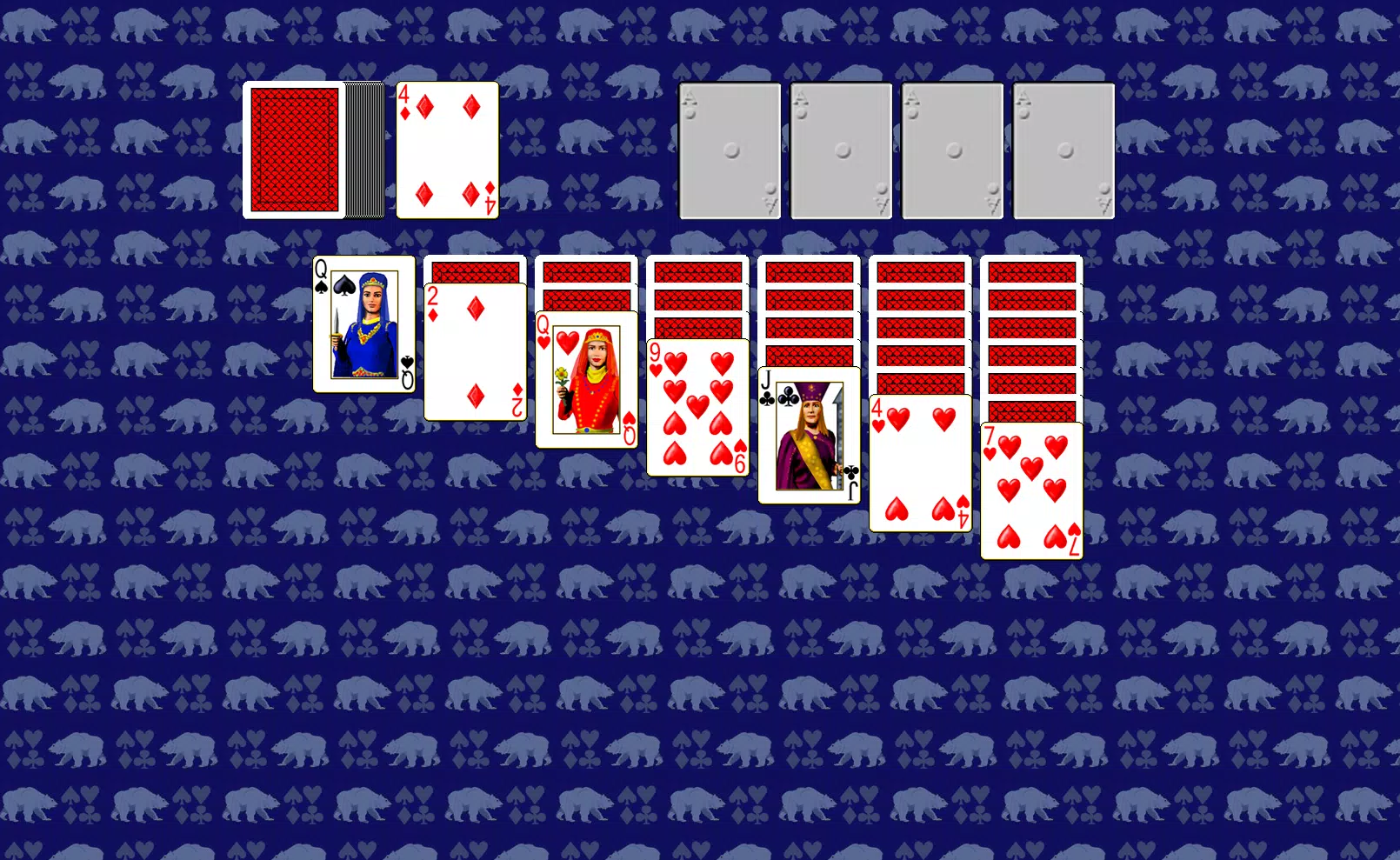
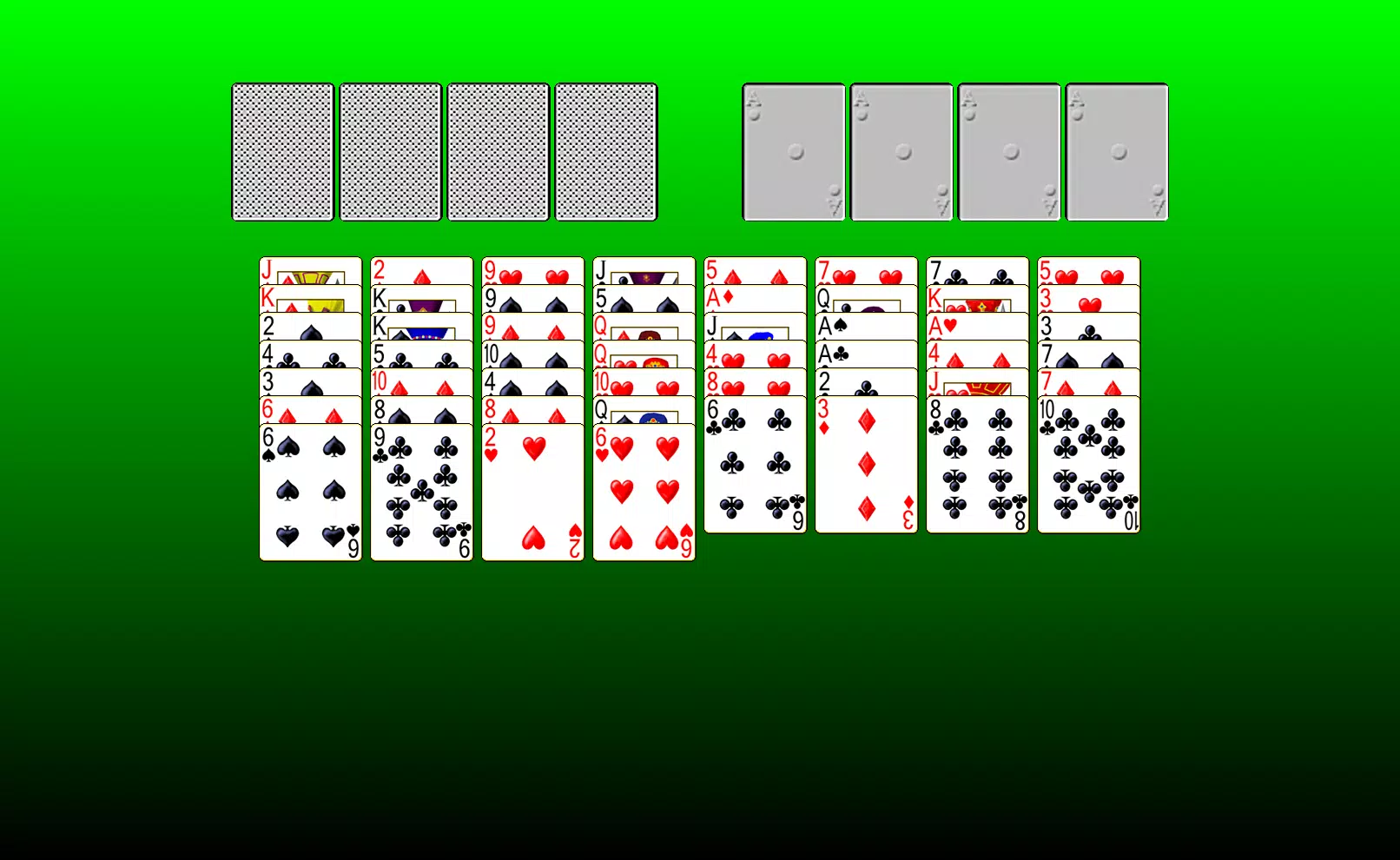
The user interface of Pretty Good Solitaire is designed with clarity and ease of navigation in mind. The layout organizes games into logical categories, enabling quick access to favorites or discovery of new ones. Visual elements are clean and uncluttered, with intuitive icons and consistent color schemes that reduce cognitive load.
Card animations are smooth, and transitions between game states are responsive, contributing to an enjoyable user experience. Navigation flows naturally from the main menu to game selection, then to gameplay, and back—without unnecessary steps or confusion. Although the developer did not list formal performance metrics, the app’s 126 MB size suggests efficient resource usage, which typically correlates with stable performance across mid-tier and high-end Android devices.
Responsiveness appears consistent, with minimal lag during card movement and game state changes. Stability is further supported by the unlimited undo feature, which implies robust internal state management. While specific device compatibility details were not disclosed, the app’s lightweight footprint and standard Android architecture suggest broad compatibility with most modern smartphones and tablets.
The absence of reported crashes or freezes in user feedback indicates a well-optimized release, though real-world performance may vary based on individual hardware configurations.
Platform Compatibility & Technical Requirements
Pretty Good Solitaire is available exclusively on the Android platform. The current version is 3.2.0, with a file size of 126 MB, making it a lightweight download suitable for devices with limited storage space. The developer did not specify minimum OS requirements, so compatibility with older Android versions cannot be confirmed.
However, the app’s design and size suggest it is optimized for Android 6.0 (Marshmallow) and above, which is standard for most current devices. Users should ensure their device meets general Android system standards to avoid installation issues. The app is offered as a free download, with no in-app purchases or advertisements mentioned in the provided details.
This pricing model increases accessibility for a broad audience. While no official information was given about background processes or battery consumption, the app’s small size and efficient design imply minimal impact on device performance and power usage.
Pros and Cons
- Extensive collection of 1,000 solitaire games, offering unmatched variety
- Supports multiple skill levels and moods, ideal for diverse users
- Flexible control options enhance usability on touchscreens
- Unlimited undo and redo functionality improves gameplay flexibility
- Regular updates ensure ongoing content freshness and support
- Free to download and use with no visible ads or in-app purchases
- Specific OS requirements were not listed, limiting clarity on compatibility
- Performance on older or low-end devices was not confirmed
- Developer background beyond the company name was not disclosed
- No information was provided about cloud sync or progress saving
- Platform availability is limited to Android only
FAQ
Is Pretty Good Solitaire free to download and use?
Yes, the app is available at no cost. The developer has not indicated the presence of in-app purchases or advertisements, making it a free-to-use utility for solitaire enthusiasts.
Can I play Pretty Good Solitaire on iOS devices?
The app is currently available only on Android. No information was provided about iOS compatibility or future releases for Apple devices.
How often are new games added to the app?
According to the developer, the app receives regular updates with new games and features. The frequency of these updates was not specified, but ongoing content delivery is confirmed.
Does the app support progress saving across devices?
The developer did not disclose details about cloud synchronization or cross-device progress tracking. Users should assume that saved games are stored locally unless otherwise stated.
Is Pretty Good Solitaire safe to install?
As a free app from a known developer, Goodsol Development, and distributed through standard Android channels, it is considered secure. However, users should always download from official sources to minimize risk.
Final Thoughts
Pretty Good Solitaire stands as a powerful and well-rounded mobile solution for fans of card games seeking variety, ease of use, and long-term entertainment. Its extensive library of 1,000 solitaire variants, combined with intuitive controls and unlimited undo functionality, makes it a standout choice for casual players and strategy enthusiasts alike. The app’s free model enhances its accessibility, while regular updates suggest a commitment to user engagement.
Whether you're looking for a relaxing way to unwind, a mental challenge to sharpen your focus, or a fun activity for kids and adults, this app delivers consistent value. With its clean interface, stable performance, and thoughtful design, it’s one of the most complete solitaire experiences available on Android today. Download Pretty Good Solitaire now.


